

Reebok Cowboys #31 Jersey
31 sold comps · $40 draft price
HOW PICCULL WORKS
Follow a Cowboys jersey from the floor to a priced draft, a 9-photo YETI batch, and an in-store Scout scan.
Scroll to see it work.SCENE 01 · STUDIO
Take the photos. PicCull tidies the cover, reads the item, prices it from sold comps, and drafts the listing. You review it and set the number.
INSIDE STUDIO · TIDY UP
Tidy Up replaces the background with white and a soft shadow. The item stays exactly as you photographed it.
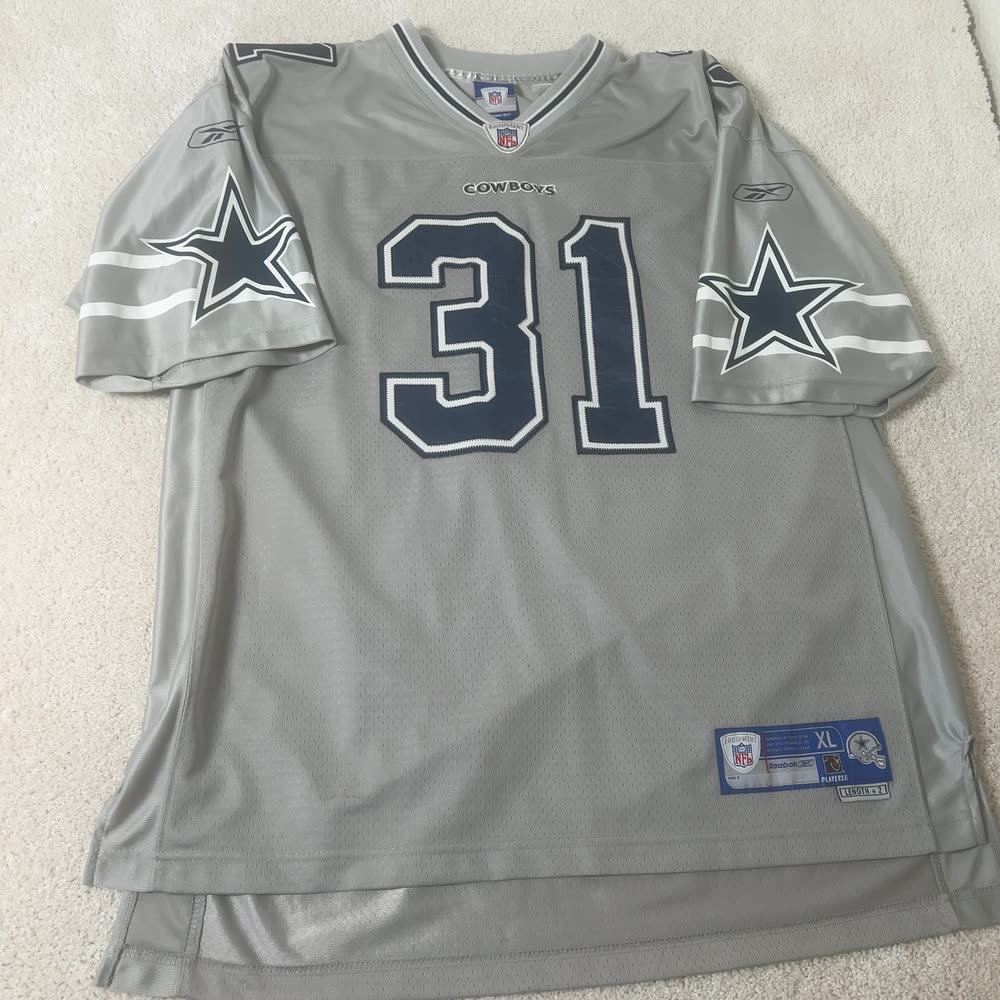
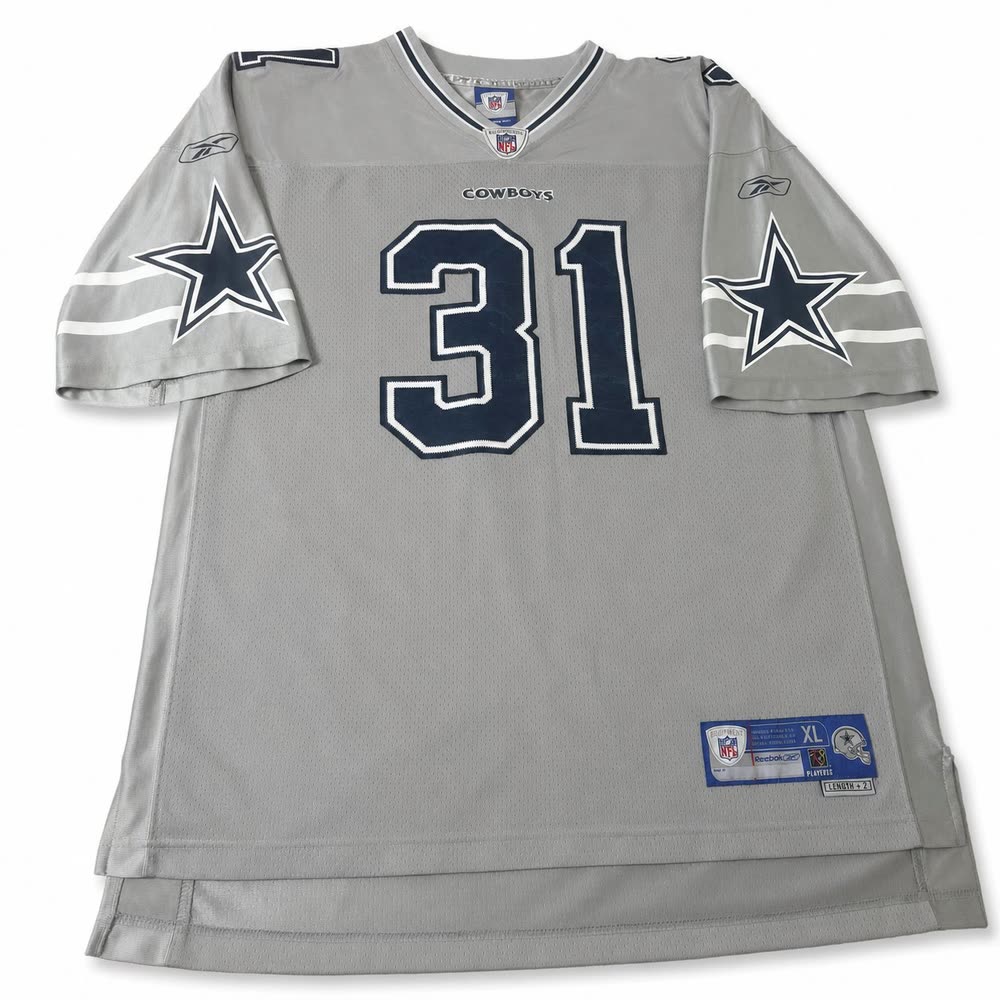
STUDIO → BATCH
The next item has 9 photos waiting in Studio.
SCENE 02 · BATCH
Select the photo set, create the batch, and carry the draft through review.
BATCH → SCOUT
Scan the item, check the matches, and read the market before you decide.
SCENE 03 · SCOUT
Scan the item. Check the lookalikes and market comps. Then keep or discard it.
THE WORKFLOW
Shoot in Studio. Turn an item’s photos into a batch. Check the market in Scout. You decide what to publish and what to keep.
31 sold comps · $40 draft price
9 photos · $154 draft price
0 sold · 12 active
FROM JOSH
“I built PicCull around the eBay workflow I run every week.”
Josh · founder and reseller
No card required to create an account.
View PicCull in the App Store